MeetMinutes + n8n: Securely Automate Workflows from Meetings
Dec 18, 2025
|
5
min read
Meetings are designed to drive decisions, but in most teams, the real work happens after the call ends.
Tasks need to be written.
CRMs need updates.
Follow-ups need to be sent.
Notes need to be organized.
That post-meeting work is often manual, repetitive, and easy to forget, and over time it slows teams down more than the meeting itself.
Now imagine this instead:
Your meeting ends.
MeetMinutes captures everything.
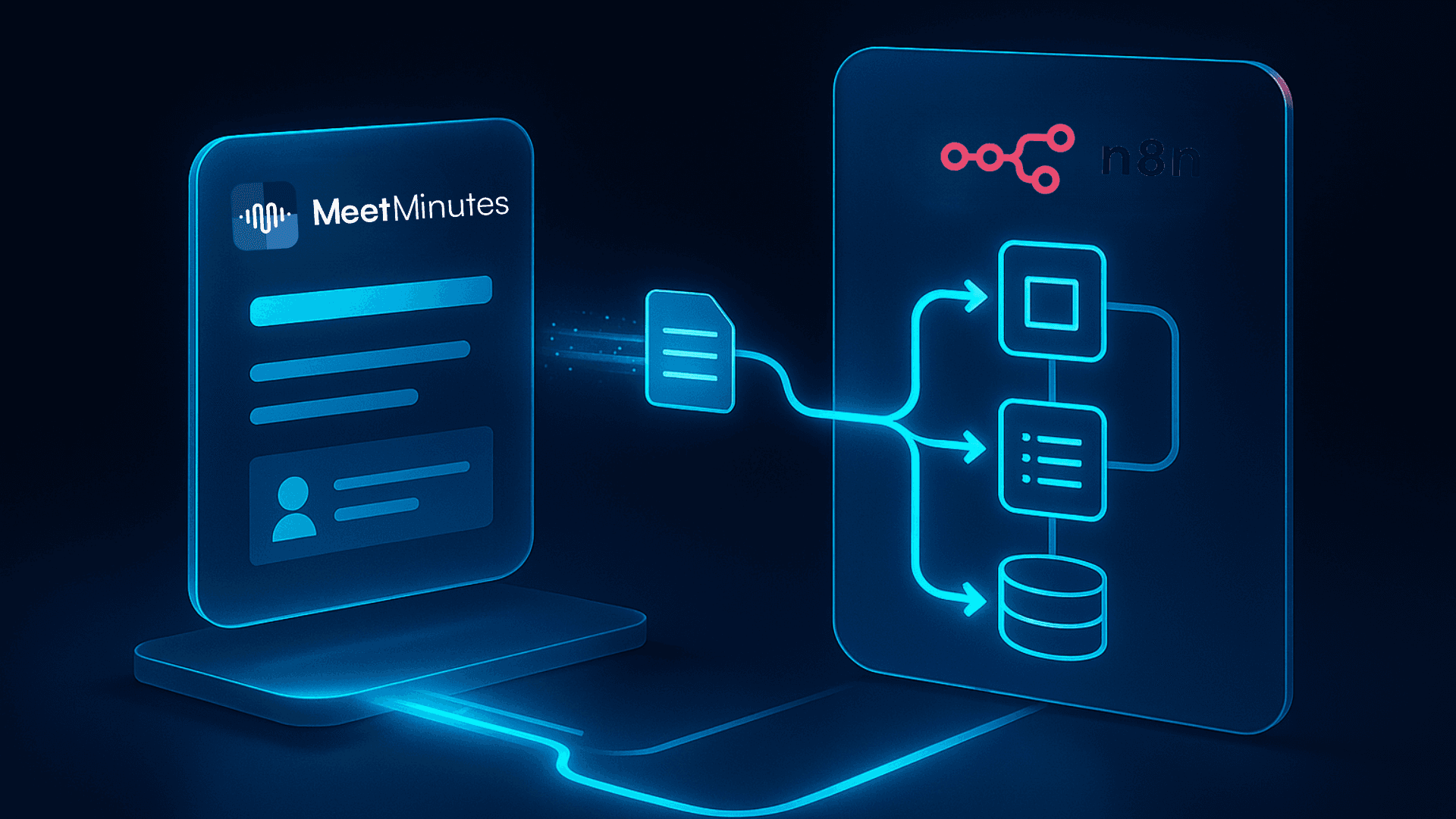
n8n turns those insights into tasks, updates, notifications, and automated workflows without anyone lifting a finger.
That’s exactly what the MeetMinutes + n8n integration enables.
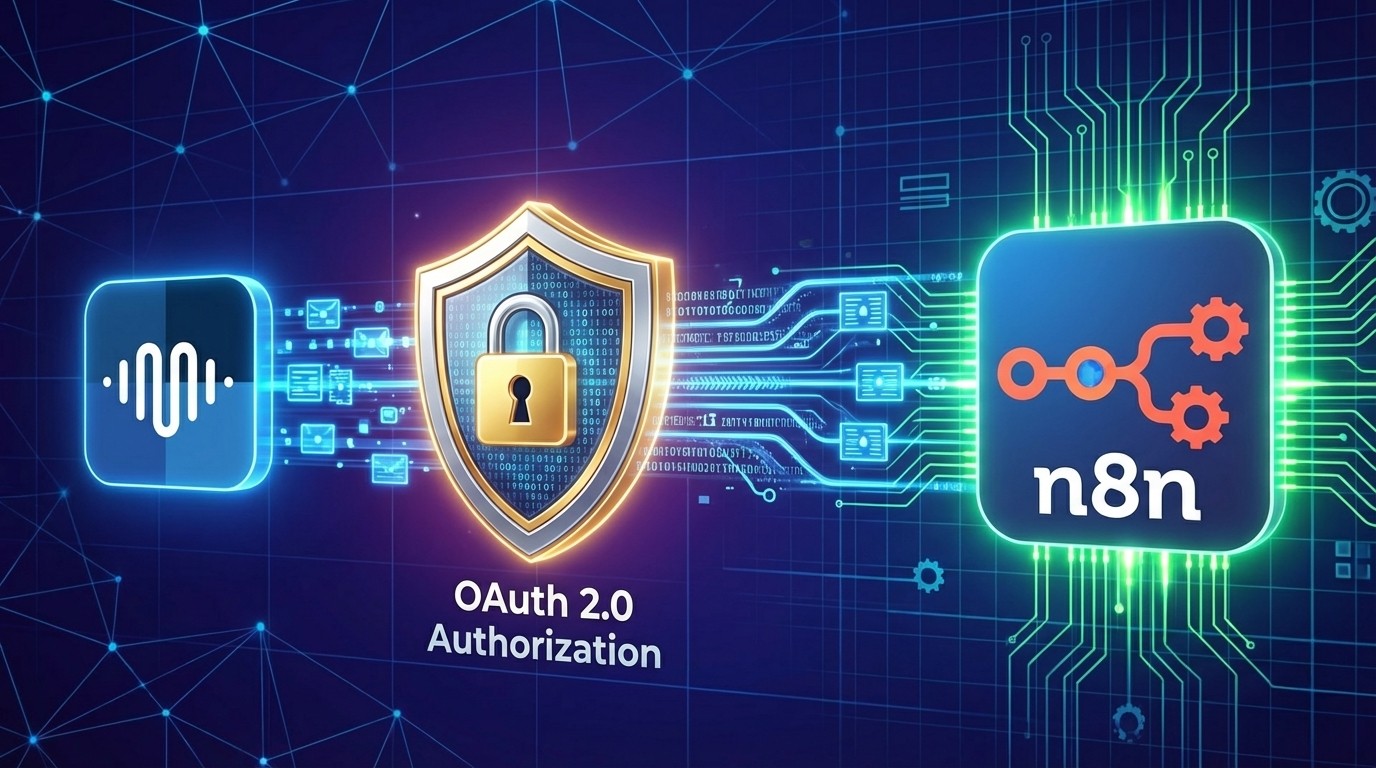
How MeetMinutes Integrates with n8n (Built on OAuth 2.0 Security)
Before we talk about automation, let’s talk about trust.
Meeting data often includes sensitive information, internal strategies, client conversations, financial discussions, hiring decisions, and more. That’s why MeetMinutes doesn’t rely on insecure webhooks or shared API keys.
MeetMinutes integrates with n8n using OAuth 2.0, the same secure authorization standard used by platforms like Google, Slack, and Microsoft.
Instead of exposing credentials:
MeetMinutes and n8n connect through a permission-based authorization flow
You control exactly what data n8n can access
Access can be revoked at any time
Your workflows remain secure, stable, and enterprise-ready
In simple terms:
Your meetings trigger automation without compromising security.
Once connected, MeetMinutes securely sends structured meeting data into n8n, where it can power any workflow you choose.
Why n8n Is Trending Right Now
If you’ve been around the automation space lately, you’ve probably noticed n8n everywhere.
Teams are switching to n8n because it offers:
Open-source flexibility
Visual, no-code workflow building
Advanced logic and branching
Hundreds of integrations
Far fewer limitations than traditional automation tools
n8n is quickly becoming the central automation engine for modern teams.
Now combine that with AI-generated meeting summaries and action items, and meetings stop being static documents; they become live workflow triggers.
Why MeetMinutes + n8n Is a Powerful Combination
MeetMinutes already removes the biggest pain points of meetings by automatically generating:
Accurate transcripts
Clean summaries
Action items with context
Key decisions
Follow-up emails
When you connect MeetMinutes to n8n, this information doesn’t just sit in a dashboard.
It flows directly into your tools.
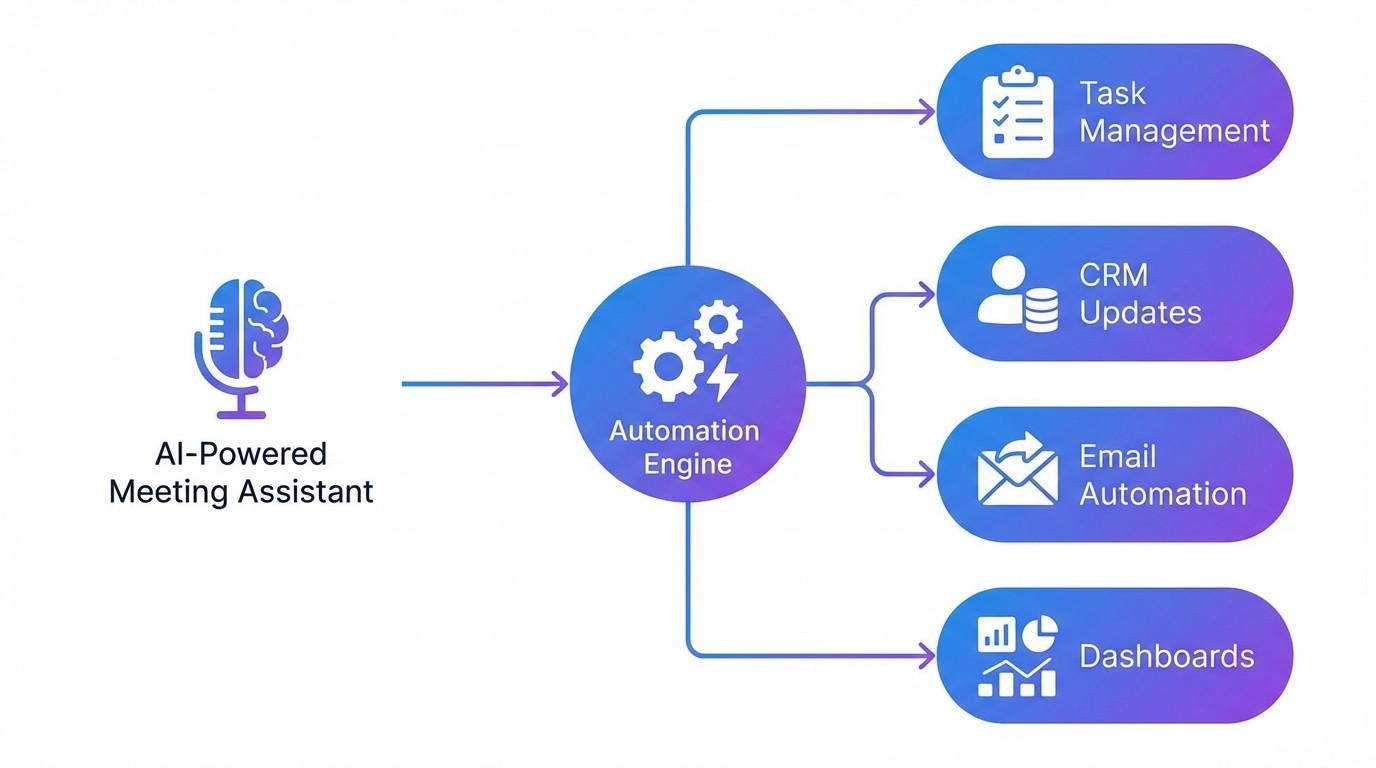
Meeting → AI insights → automated execution
No copying.
No task rewriting.
No missed follow-ups.
What You Can Automate with MeetMinutes + n8n
Here are real workflows teams are building today.
Automatically Create Tasks from Action Items
MeetMinutes → n8n → Notion / Jira / ClickUp / Asana
Every action item becomes a task with:
Owner
Due date
Meeting context
Summary link
Nothing slips through the cracks.
Send Smart, Personalized Follow-Ups
MeetMinutes → n8n → Gmail / Outlook
Each participant receives:
Their assigned action items
Relevant decisions
A clear summary of next steps
It feels thoughtful, but it’s fully automated.
Keep Your CRM Updated After Sales Calls
MeetMinutes → n8n → HubSpot / Zoho / Salesforce
Automatically:
Log call notes
Update deal stages
Add next steps
Track decision makers
Your CRM stays accurate without manual entry.
Sync Meeting Notes into Documentation Tools
MeetMinutes → n8n → Notion / Confluence / Google Docs
Perfect for:
Sprint meetings
Product discussions
Client updates
Internal reviews
Your knowledge base updates itself.
Trigger Alerts for Critical Conversations
MeetMinutes → n8n → Slack / Email
Get notified when meetings mention:
Risks
Blockers
Budget issues
Escalations
Ideal for leadership and operations teams.
How to Connect MeetMinutes with n8n (Real Setup Flow)
The integration is guided and beginner-friendly.
Step 1: Open n8n Integration in MeetMinutes
Go to:
MeetMinutes Dashboard → Integrations → n8n
Step 2: Create OAuth Credentials in n8n
In your n8n workspace:
Go to Settings → Credentials
Click Add new credential
Choose OAuth2 API
Copy the generated Redirect URL
Keep this window open.
Step 3: Register OAuth Client in MeetMinutes
Back in MeetMinutes:
Add an App Name
Add a short description.
Paste the Redirect URL
Use scopes:
read, write
Step 4: Authorize & Activate
MeetMinutes and n8n complete the OAuth handshake.
Your integration is now live and secure.
Step 5: Build Your Automation in n8n
Use MeetMinutes data to trigger workflows across:
Tasks
CRM
Email
Slack
Dashboards
Custom APIs
What Data Can n8n Access?
With your permission, MeetMinutes can securely send:
Meeting summaries
Action items
Decisions
Transcripts
Participant details
Metadata & timestamps
All structured, clean, and automation-ready.
Who Benefits Most from This Integration?
Sales teams → automated CRM updates
Product teams → instant task creation
HR teams → interview workflows
Agencies → client recaps & delivery
Founders & Ops → fewer follow-ups, more execution
If your team runs meetings, this integration saves hours every week.
Final Thoughts: Meetings Should Trigger Action, Not Extra Work
Most teams don’t waste time in meetings.
They waste time after meetings.
MeetMinutes + n8n fixes that.
Your meetings become:
Secure
Structured
Automated
Action-driven
No chaos.
No manual effort.
Just clarity and execution.
Automate everything after your meetings.
👉 Connect MeetMinutes with n8n and turn meeting conversations into secure, powerful workflows automatically.
https://app.meetminutes.in
👉 Book a Demo
https://calendly.com/support-kduy/30min