MeetMinutes OneDrive Integration: Automatically Save Meeting Notes & Documents to OneDrive
Mar 5, 2026
|
6
min read
Meetings generate valuable information, decisions, action items, summaries, transcripts, and insights. But managing and storing these documents manually can quickly become overwhelming.
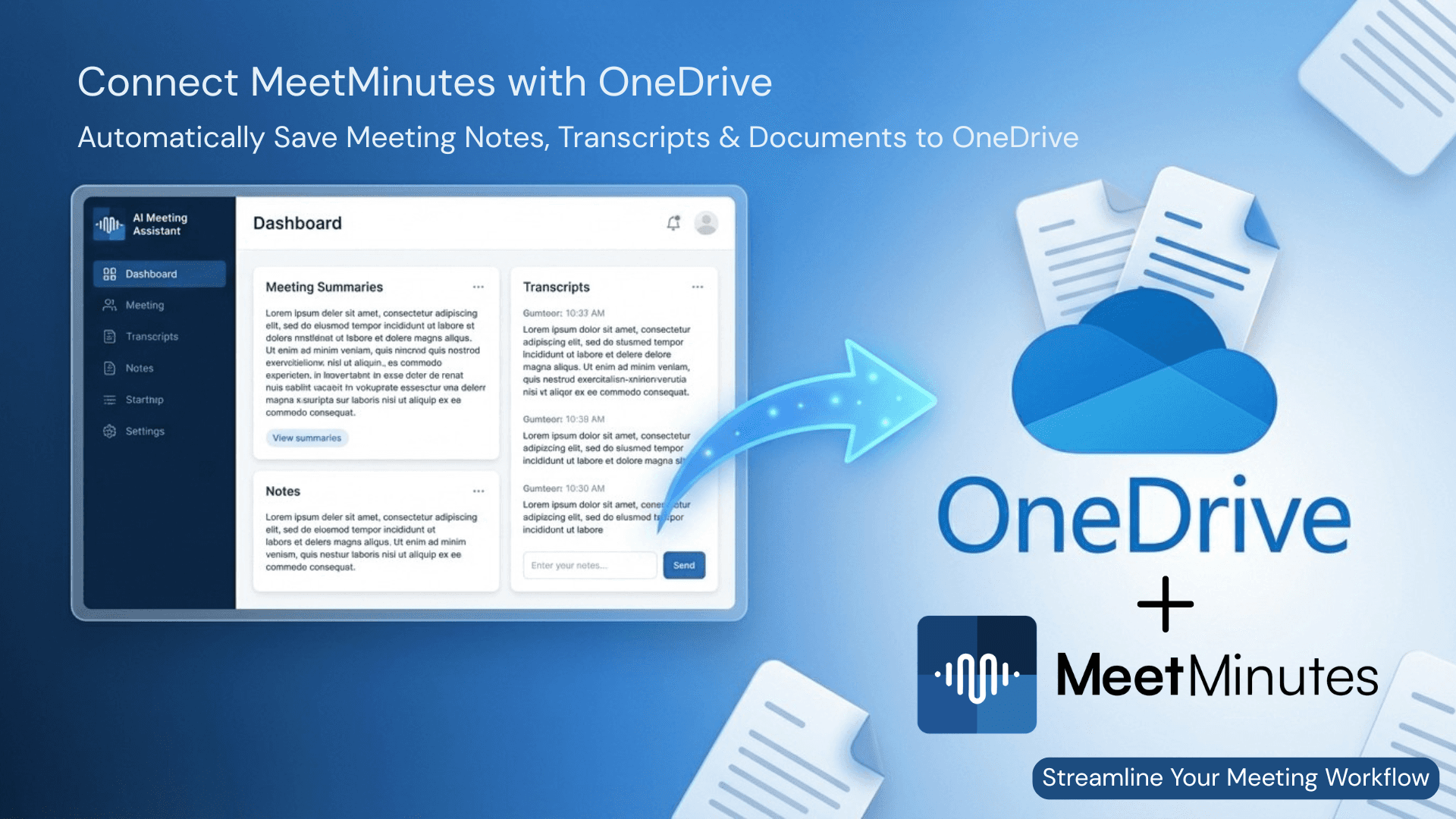
To simplify this process, MeetMinutes now integrates with Microsoft OneDrive, allowing users to automatically store all meeting documents directly in their cloud storage.
With the MeetMinutes OneDrive integration, every meeting summary, transcript, and document generated during your meetings can be automatically saved to your OneDrive account, ensuring secure storage and seamless team collaboration.
This integration helps teams stay organized, improves workflow efficiency, and ensures that no meeting insights are ever lost.
What is the MeetMinutes OneDrive Integration?
The MeetMinutes OneDrive integration allows users to securely connect their Microsoft OneDrive account with MeetMinutes.
Once connected, MeetMinutes automatically saves meeting outputs to your OneDrive storage, including:
AI-generated meeting summaries
Meeting transcripts
Meeting notes
Action items and key takeaways
Meeting documents and insights
Instead of manually downloading and organizing files after every meeting, MeetMinutes automatically syncs everything to your OneDrive cloud storage.
This creates a centralized location where all meeting data is securely stored and easily accessible.
Why Automating Meeting Documentation Matters
In many organizations, meeting documentation often becomes scattered across different tools like email, Slack, Google Docs, or local folders.
This creates several challenges:
Important meeting notes get lost
Teams struggle to locate past meeting decisions
Files need to be manually uploaded and organized
Knowledge sharing becomes inefficient
By integrating MeetMinutes with OneDrive, teams can eliminate these issues and maintain a structured, automated workflow for meeting documentation.
How to Connect MeetMinutes with OneDrive
Setting up the MeetMinutes OneDrive integration takes just a few simple steps.
Step 1: Open the Integrations Section
Log in to your MeetMinutes dashboard and navigate to the Integrations section.
Step 2: Select OneDrive
Find Microsoft OneDrive from the list of available integrations.
Step 3: Click “Connect”
Click the Connect button and authorize MeetMinutes with your Microsoft account.
Step 4: Automatic Document Storage
Once connected, all meeting-related documents will automatically be saved to your OneDrive storage.
This means every meeting summary, transcript, and document is securely stored without any manual effort.
Key Benefits of MeetMinutes OneDrive Integration
1. Automatic Storage of Meeting Notes
MeetMinutes automatically saves all meeting outputs to your OneDrive account.
This eliminates manual file handling and ensures every meeting insight is securely stored.
2. Centralized Meeting Knowledge
With OneDrive integration, your meeting data stays organized in one place.
Teams can easily access:
Past meeting notes
Project discussions
Decision records
Action items
This creates a centralized meeting knowledge base for your organization.
3. Seamless Team Collaboration
Since OneDrive allows easy file sharing, teams can collaborate more effectively by accessing meeting documents anytime.
Team members can quickly review summaries, follow up on action items, and stay aligned with project updates.
4. Improved Workflow Automation
Instead of downloading meeting notes and uploading them to cloud storage manually, MeetMinutes automatically handles the entire process.
This automation helps teams save time and focus on important work rather than administrative tasks.
5. Secure Cloud Storage
Microsoft OneDrive provides enterprise-grade security and reliable cloud storage.
By integrating MeetMinutes with OneDrive, your meeting data remains protected while still being easily accessible whenever needed.
Who Should Use MeetMinutes with OneDrive?
The MeetMinutes OneDrive integration is ideal for teams and organizations that rely on Microsoft tools for their workflow.
This includes:
Remote and distributed teams
Project managers tracking meeting outcomes
Sales teams documenting client conversations
Product teams recording feedback and decisions
Organizations already using Microsoft OneDrive
If your team already uses OneDrive for file management, this integration makes meeting documentation completely effortless.
MeetMinutes: Your AI-Powered Meeting Assistant
MeetMinutes is an advanced AI meeting assistant designed to capture, organize, and summarize meeting conversations automatically.
With MeetMinutes, teams can:
Generate AI meeting summaries
Track action items automatically
Access meeting transcripts
Store meeting documents securely
Integrate with popular productivity tools
By combining AI-powered meeting intelligence with cloud storage integrations like OneDrive, MeetMinutes ensures every meeting produces clear, actionable outcomes.
Start Using MeetMinutes OneDrive Integration Today
The MeetMinutes OneDrive integration makes meeting documentation effortless by automatically storing all meeting insights directly in your OneDrive account.
No manual downloads.
No lost meeting notes.
Just organized, accessible meeting knowledge.
Start improving your meeting workflow today.
👉 Explore MeetMinutes:
https://app.meetminutes.in
👉 Book a Demo (Optional)
https://calendly.com/support-kduy/30min