MeetMinutes + Slack: So Your Meetings Don’t Get Forgotten
Dec 28, 2025
|
5
min read
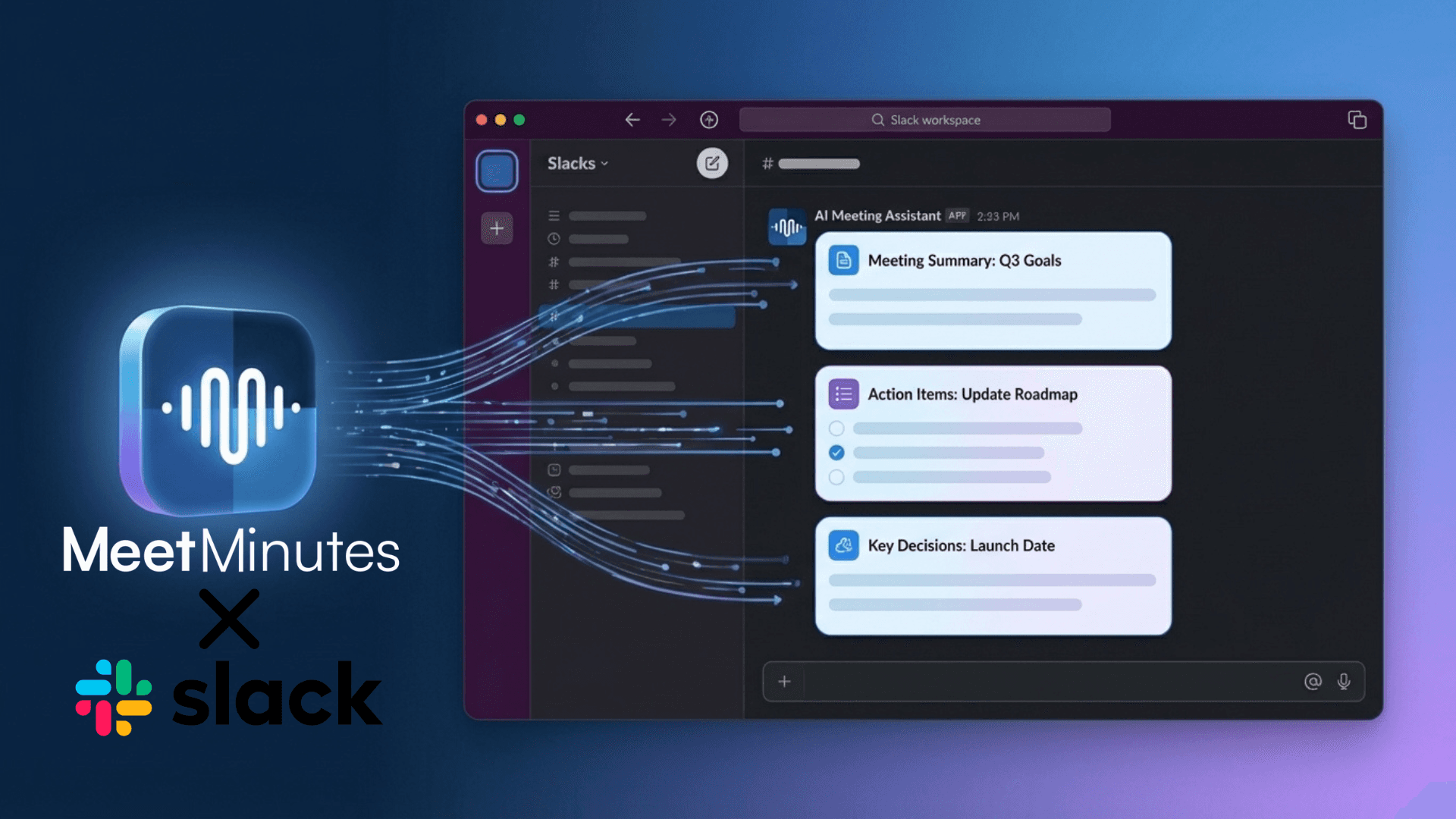
Let’s be honest.
Most meetings don’t fail because the discussion was bad.
They fail because what was said disappears the moment the call ends.
Someone promises to share notes.
Someone else forgets.
Action items get buried.
And a week later, someone asks in Slack:
“Hey, what did we decide on that?”
If Slack is where your team actually works, your meetings should live there too.
That’s exactly what MeetMinutes + Slack is built for.
Meetings Happen. Work Happens in Slack.
Think about your day.
You might meet on Zoom or Google Meet —
but decisions, follow-ups, and execution all happen in Slack.
That gap between meeting and Slack is where things usually break.
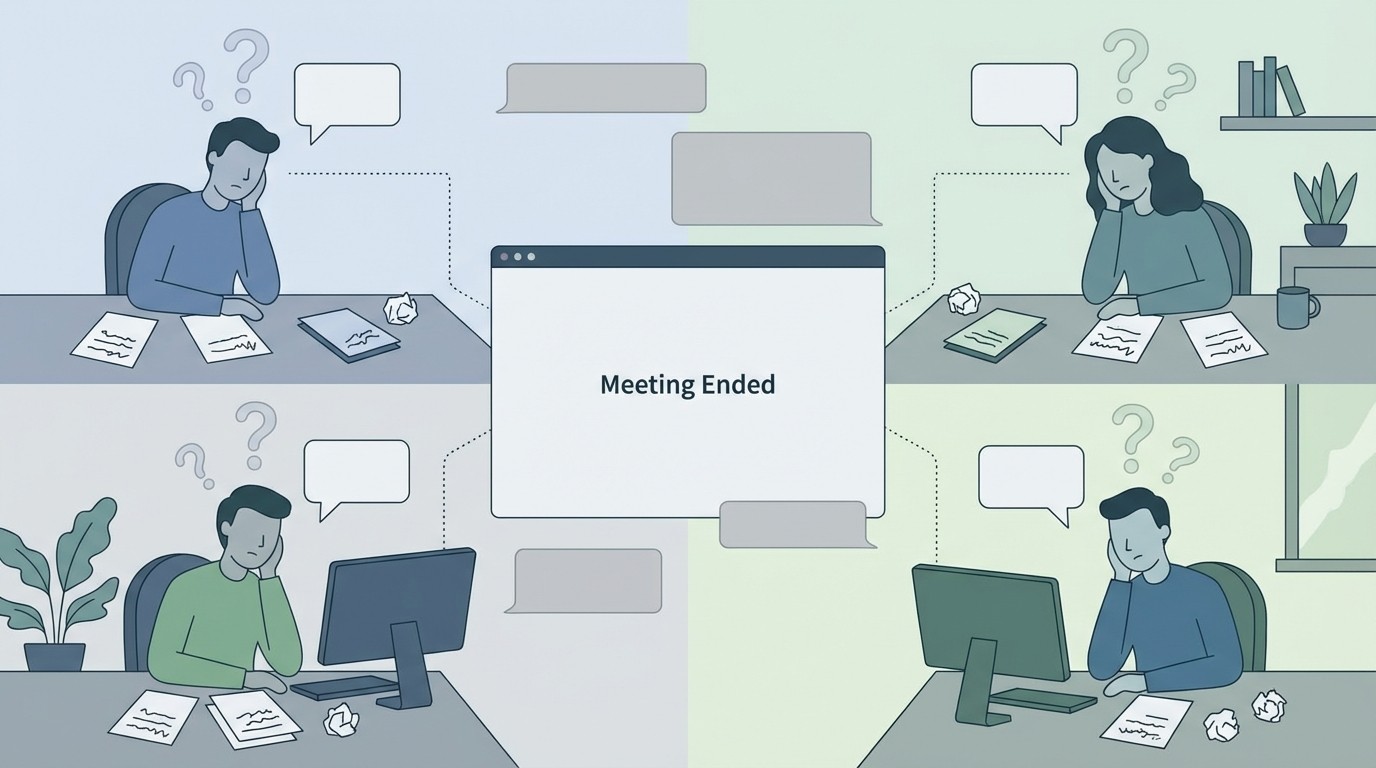
MeetMinutes closes that gap by quietly bringing your meeting outcomes into Slack without adding noise.
How MeetMinutes Works with Slack
Once you connect MeetMinutes to Slack:
You authorize it once
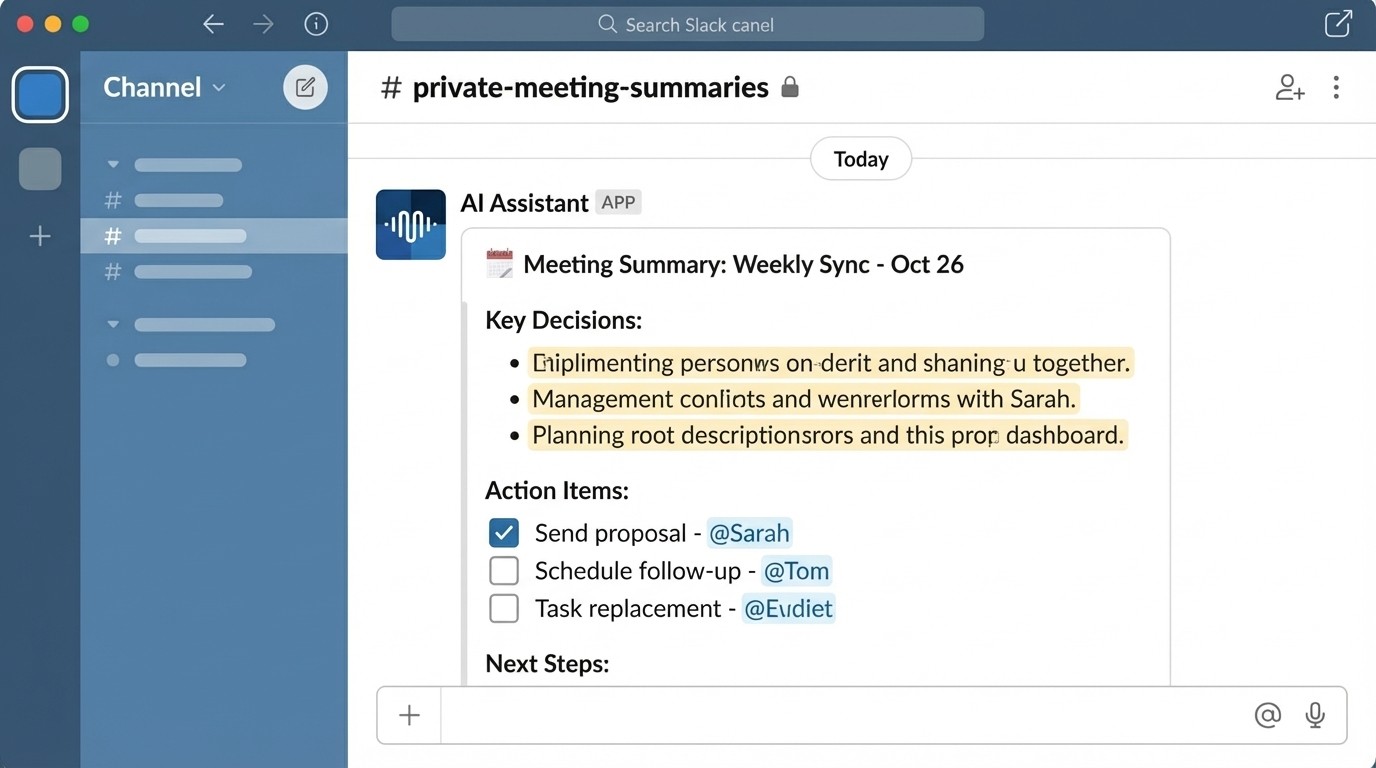
MeetMinutes creates a private Slack channel just for you
Every meeting you attend gets summarized there automatically
That’s it.
No public channel spam.
No complicated rules.
No “Where did the notes go?”
Your meeting summaries, action items, and key points simply show up where you already are.
Why This Feels Better Than Sharing Docs
After meetings, most teams rely on:
Docs nobody opens
Long email threads
Messages like “notes coming soon”
With MeetMinutes in Slack:
You don’t have to search
You don’t have to ask
You don’t have to remember
The information just shows up.
And because it’s in Slack, it actually gets seen.
What You’ll See in Slack After Every Meeting
In your private Slack channel, MeetMinutes shares:
A clear meeting summary
Important decisions
Action items (who owns what)
Context you’d normally forget
It’s structured, easy to scan, and immediately useful.
You can:
Act on it
Forward it to teammates
Drop it into a channel if needed
You stay in control.
A Typical Day with MeetMinutes + Slack
Here’s what it looks like in real life:
You finish a meeting.
You go back to Slack.
Your summary is already there.
No extra steps.
No “I’ll do this later.”
No context switching.
That small change makes a surprisingly big difference.
Who This Is Perfect For
Remote teams
– Stay aligned without more meetings.
Founders & leaders
– Keep track of discussions without joining every call.
Product & engineering teams
– Decisions don’t get lost between meetings and work.
Anyone tired of chasing notes
– This one’s for you.
If Slack is open all day for your team, this fits naturally.
Easy to Set Up, Easy to Forget
Connecting MeetMinutes to Slack takes a moment:
Click “Connect.”
Authorize Slack
Your private channel is ready
After that, you don’t really think about it anymore
It just quietly does its job.
Why This Matters
Teams don’t need more meetings.
They need better follow-through.
By bringing meeting outcomes into Slack:
Decisions stay visible
Action items don’t slip
Work moves forward faster
MeetMinutes doesn’t change how you work.
It just makes meetings finally stick.
Final Thought
Meetings shouldn’t end with
“Okay, we’ll figure this out later.”
With MeetMinutes + Slack,
Your meetings end exactly where work continues
Bring your meetings into Slack without extra effort.
👉 Connect MeetMinutes with Slack and keep everything in one place.
https://app.meetminutes.in
👉 Book a Demo
https://calendly.com/support-kduy/30min