MeetMinutes × Zoho Cliq Integration
Dec 3, 2025
|
5
min read
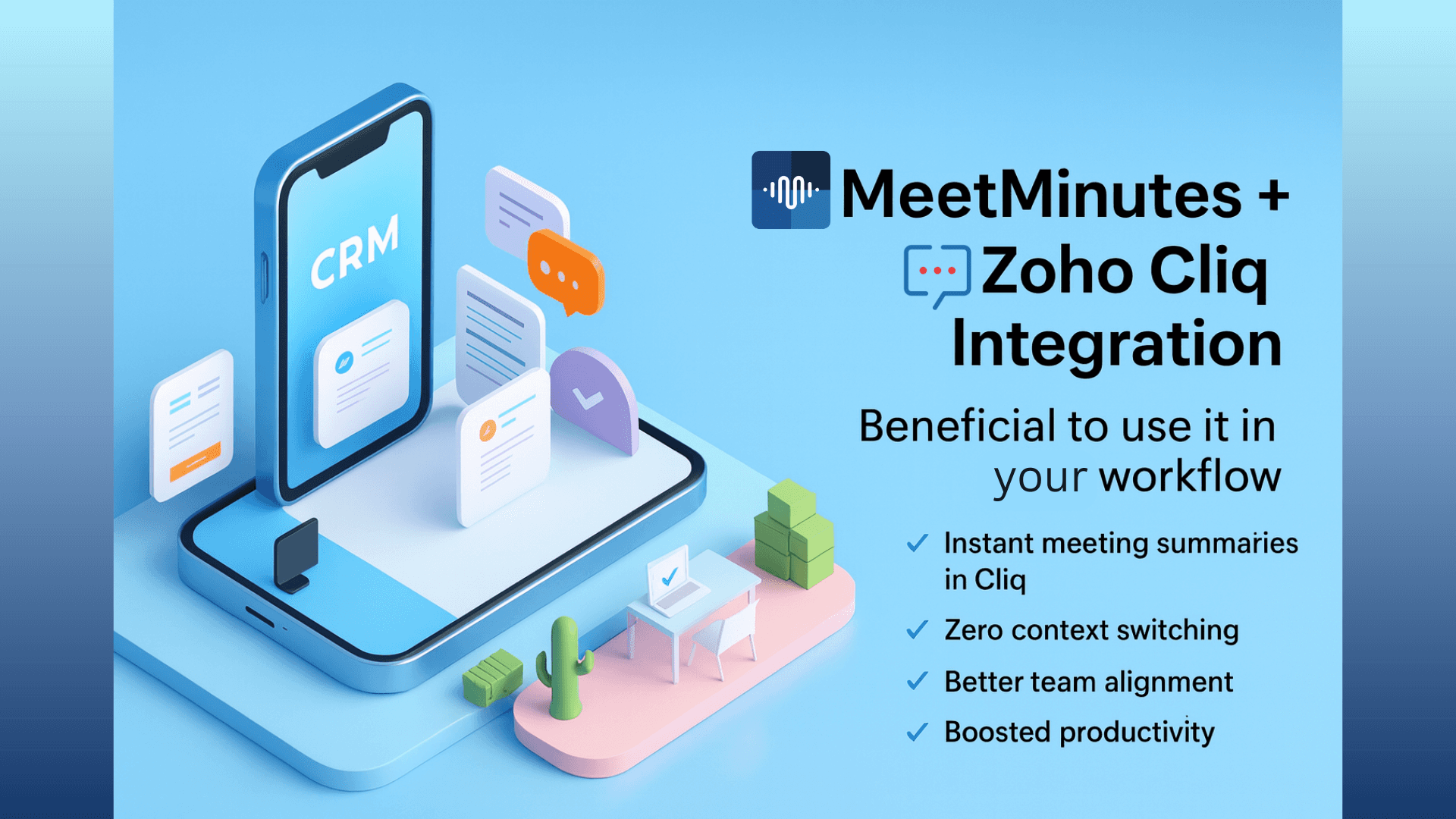
Automatically turn Zoho Cliq meeting recordings into summaries, action items, and follow-ups
If your team uses Zoho Cliq for meetings and collaboration, this integration removes every bit of manual work that usually follows a meeting.
With the MeetMinutes × Zoho Cliq integration, your Zoho Cliq meeting recordings are automatically fetched, processed, and converted into clear summaries and action items without anyone joining meetings, uploading files, or switching tools.
Just meet as usual in Zoho Cliq.
MeetMinutes handles the rest.
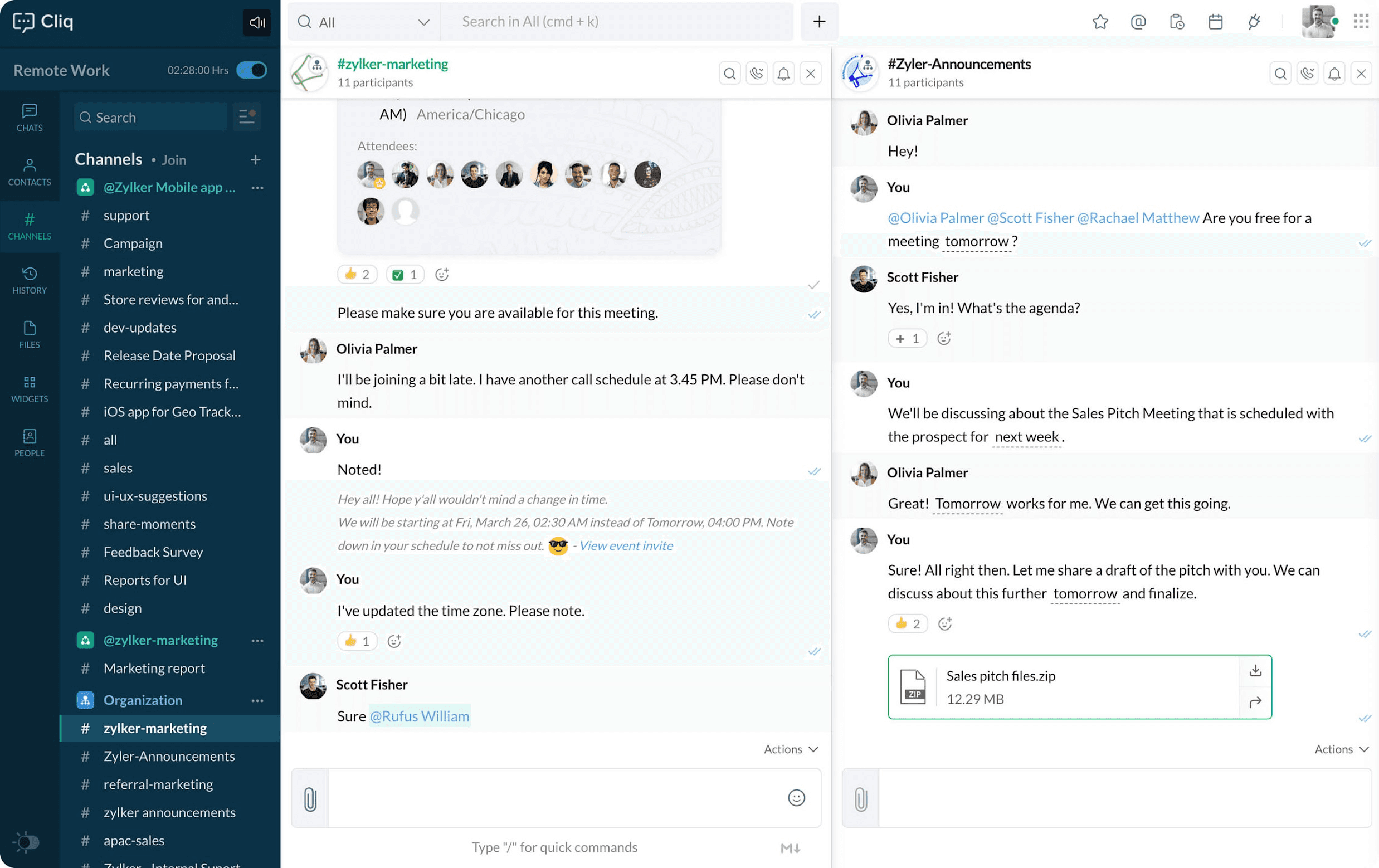
How the MeetMinutes + Zoho Cliq Integration Works
The workflow is intentionally simple because your team already has enough tools.
Meetings happen in Zoho Cliq
Your team starts and records meetings normally inside Zoho Cliq.Zoho Cliq records the meeting
Recording is handled entirely by Zoho Cliq; no changes to your existing process.MeetMinutes fetches the recording automatically
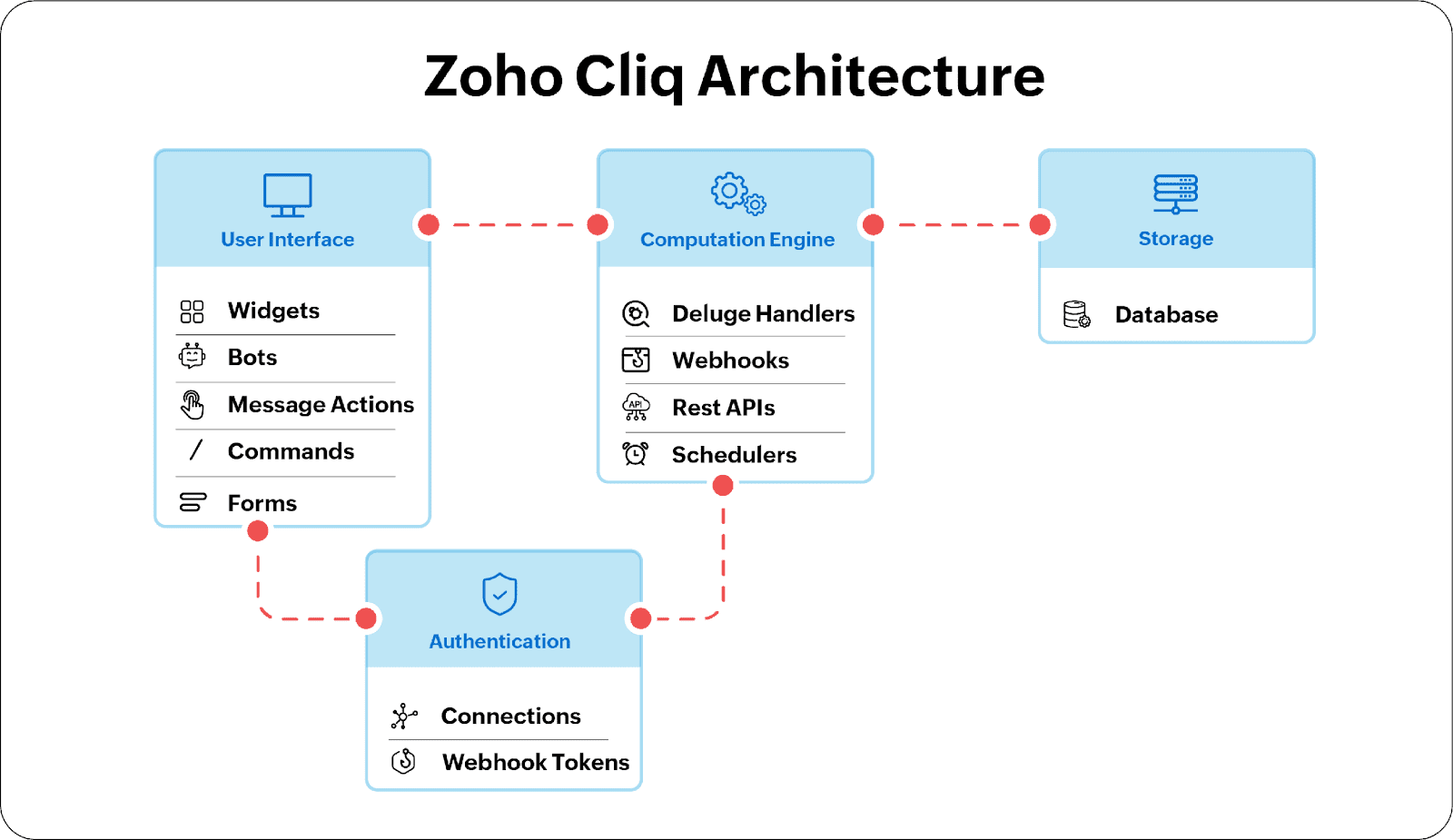
Using Zoho Cliq webhooks, MeetMinutes securely fetches the meeting recording in the background.AI generates summaries & action items
MeetMinutes processes the recording to extract:Key discussion points
Decisions made
Action items
Owners and next steps
Summaries appear directly in Zoho Cliq
Everything is delivered back into your Cliq channels or DMs, where your team already works.
➡️ No MeetMinutes bot joins meetings.
➡️ No manual uploads.
➡️ No context switching.
Why This Integration Feels Effortless
Most teams lose momentum after meetings, not during them.
This integration fixes that by making post-meeting clarity automatic.
Zero Manual Work
No one needs to:
Upload recordings
Copy notes
Write summaries
Chase follow-ups
It all happens automatically.
Everything Stays Inside Zoho Cliq
Meeting insights live right where conversations continue:
Cliq channels
Direct messages
Team discussions
Your team never leaves Cliq to “catch up.”
Perfect for Distributed Teams
Even if someone missed the meeting, they instantly get:
A clean summary
Clear decisions
Actionable next steps
No re-explaining. No confusion.
What You Can Do With MeetMinutes Inside Zoho Cliq
Instant Meeting Summaries
Receive AI-generated summaries automatically after every recorded Zoho Cliq meeting.
Clear Action Items & Ownership
MeetMinutes identifies:
What needs to be done
Who owns it
What was decided
So execution starts immediately.
Message Actions for Conversations
Turn long or messy discussions into structured summaries using MeetMinutes message actions directly inside Cliq.
Automated Follow-Ups
Important outcomes don’t get buried.
MeetMinutes keeps decisions and tasks visible, searchable, and shareable.
Who Is This Integration For?
Sales Teams
Capture client call insights and follow-ups without writing notes.
Support Teams
Summarize internal syncs and incident discussions automatically.
Product & Engineering
Turn planning meetings into documented decisions and action plans.
Leadership & Management
Stay informed with summaries even if you couldn’t attend the meeting
How to Enable the Integration
Getting started takes seconds.
Go to MeetMinutes Integrations
Click Connect Zoho Cliq
Authorize once
That’s it.
From this point onward, recorded Zoho Cliq meetings are automatically summarized with no extra setup required.
Why Teams Choose MeetMinutes for Zoho Cliq
Built specifically for real workflows
No disruption to how teams meet
Works silently in the background
Designed for clarity, not clutter
MeetMinutes doesn’t ask your team to “do more.”
It simply ensures meetings actually lead to action.
Ready to Activate MeetMinutes for Zoho Cliq?
Bring structure, clarity, and automation to every Zoho Cliq meeting without changing how your team works.
👉 Activate MeetMinutes for Zoho Cliq
https://app.meetminutes.in
👉 Book a Demo
https://calendly.com/support-kduy/30min