Zapier Integration with MeetMinutes: Automate Meeting Notes, Tasks, and Follow-Ups
Feb 25, 2026
|
6
min read
Meetings are where decisions are made, but too often, the follow-ups fall through.
Notes stay in one place. Tasks live in another. And important actions depend on someone remembering to do them later.
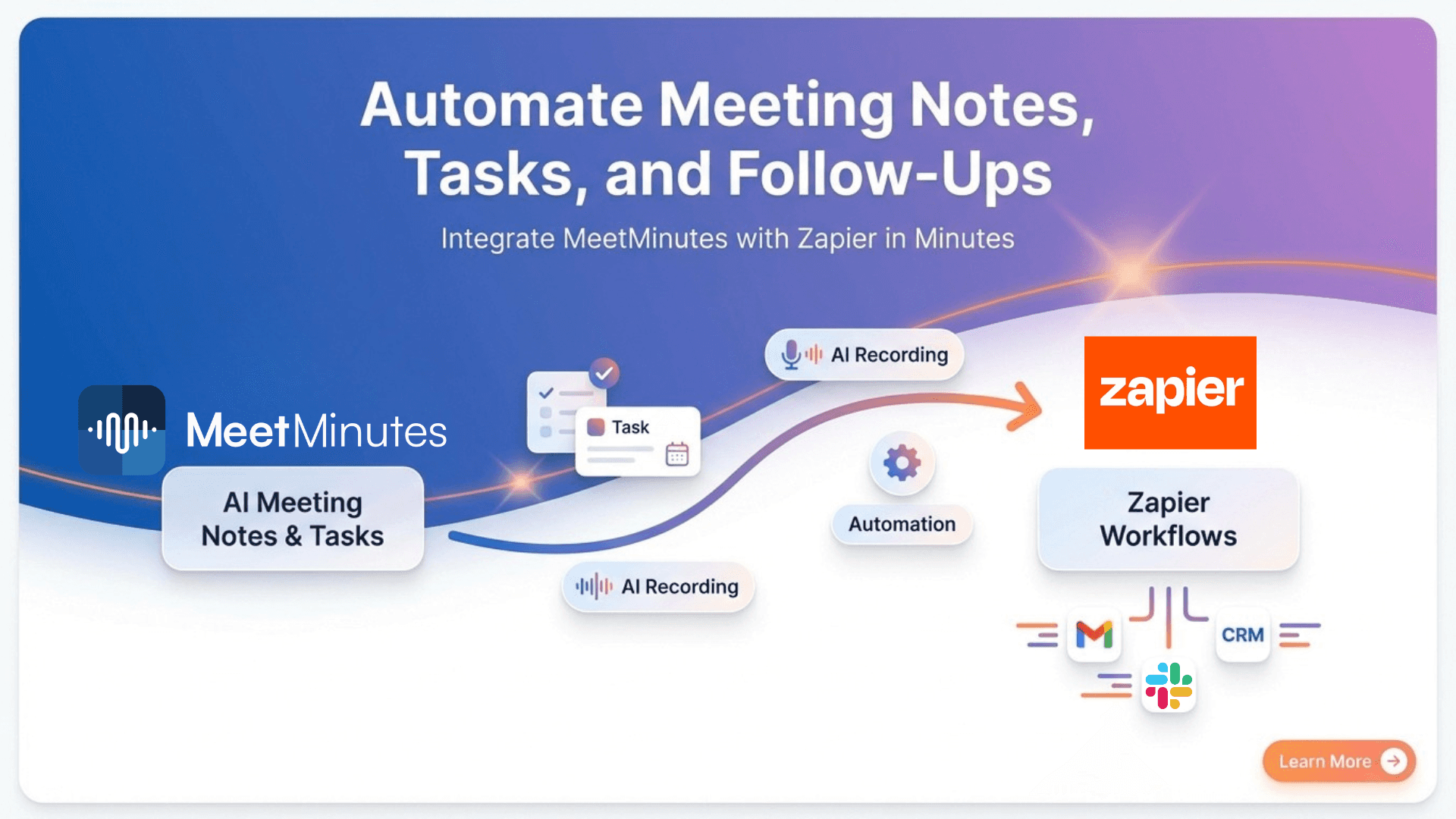
That’s why MeetMinutes’ Zapier integration exists to automatically turn meeting conversations into actions, tasks, and updates across the tools your team already uses.
What Is Zapier Integration in MeetMinutes?
Zapier allows different apps to talk to each other without code. With Zapier + MeetMinutes, your meeting data can instantly flow into over 5,000 apps.
This means:
Automatic meeting summaries
Instant task creation
Real-time CRM updates
Zero manual copy-paste
It’s meeting automation done right.
Why Automate Meetings with Zapier?
Post-meeting work is where productivity usually breaks.
By using Zapier automation with MeetMinutes, you can:
Automatically send meeting notes to Slack or email
Create tasks from meeting action items
Save AI meeting summaries to Google Docs or Notion
Update CRM tools after sales or customer calls
Trigger follow-ups without manual reminders
If your goal is to reduce manual work after meetings, this integration does exactly that.
Popular Zapier Workflows for MeetMinutes
Teams commonly use this integration for:
AI meeting notes → Slack channels
Action items → Asana, ClickUp, or Notion
Meeting summaries → Google Docs / Sheets
Client meetings → CRM updates
Internal reviews → Automated email follow-ups
Once set up, these workflows run automatically after every meeting.
How MeetMinutes Zapier Integration Works
MeetMinutes uses Zapier Webhooks to send meeting data in real time.
Here’s what happens:
A meeting ends in MeetMinutes
Meeting notes and summaries are generated
Data is sent to Zapier via webhook
Zapier triggers actions in your connected apps
You set it up once, and it keeps working in the background.
How to Connect Zapier with MeetMinutes (Step-by-Step)
Step 1: Create a Webhook in Zapier
Log in to Zapier and create a new Zap
Choose Webhooks by Zapier as the trigger app
Select Catch Hook as the trigger event
Copy the webhook URL
Step 2: Add the Webhook in MeetMinutes
Open your MeetMinutes dashboard
Go to Integrations → Zapier
Paste the webhook URL
Click Connect
Your Zapier integration is now active.
Step 3: Automate Your Meeting Workflow
Choose what happens after each meeting:
Send meeting notes automatically
Create tasks from action items
Update CRM or internal tools
Notify teams instantly
Zapier handles the automation; MeetMinutes handles the meeting intelligence.
What Meeting Data Can Be Automated?
MeetMinutes can send:
Meeting titles and timestamps
AI-generated meeting summaries
Action items and decisions
Speaker-wise notes
Meeting recording and transcript links
You control how this data is used inside Zapier.
Who Should Use Zapier Integration with MeetMinutes?
This integration is ideal for:
Founders and leadership teams
Sales and customer success teams
Product and project managers
Operations and automation teams
If you want automated meeting notes and follow-ups, this is built for you.
Turn Meetings into action automatically.
MeetMinutes already captures everything discussed in your meetings.
Zapier ensures those insights don’t stop there.
Connect MeetMinutes with Zapier and automate your meeting workflows—so your team can focus on execution, not admin work.
👉 Start using MeetMinutes Zapier Integration today
https://app.meetminutes.in
👉 Book a Demo (Optional)
https://calendly.com/support-kduy/30min